


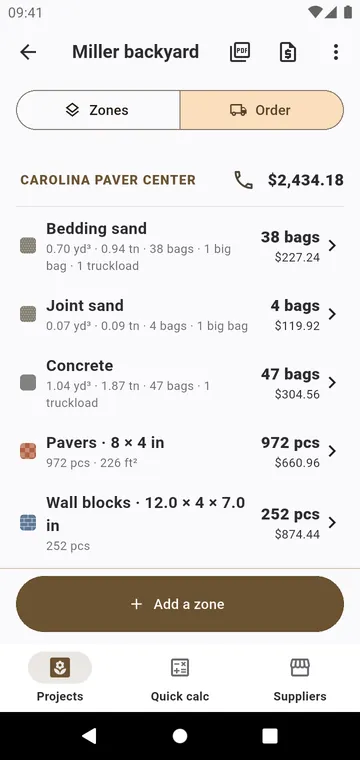
One line per material
The Order tab of a project lists each material once, all zones together, grouped by supplier with a subtotal. Tap a line to set Order by, the price per unit and the Supplier. A line without a price says so; the app never invents one.
Your suppliers
The Suppliers tab keeps your yards and nurseries with their Phone; call one in a tap. Default prices holds your price, packaging and supplier for each material: new projects start from them. Use these prices as defaults, in a project's menu, saves the prices you just set.
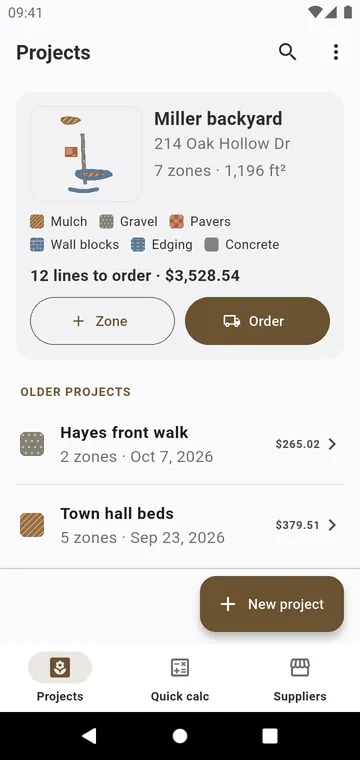
The purchase order
Send the order (PDF): the zones, then one table per supplier with quantity, unit price, cost and subtotal, and the total of the job. Send it to the yard, or keep it for the job.